Claude Cowork vs Claude Code: Which One to Use
Claude Cowork vs Claude Code is a choice between two Anthropic agents built on the same engine: Cowork for handing off knowledge work, Claude Code for work inside a folder or codebase. Both come with the paid Claude plans, both run skills, and both can work on files, so the line between them is easy to miss.
Claude Cowork hands off research, documents and file work: it runs in Anthropic's cloud and you check on it from web, desktop or phone. Claude Code works inside a folder on your computer and is built for software and repeatable workflows you run from that folder.
Every fact below comes from Anthropic's own help center, product pages and docs, checked in October 2026. Both products change often, so the sources are linked.
Claude Cowork vs Claude Code at a glance
| Claude Cowork | Claude Code | |
|---|---|---|
| Built for | Non-coding knowledge work: research, analysis, documents | Software engineering, plus file-based workflows in a folder |
| Where the work runs | Anthropic's cloud, in an isolated environment per session | Your computer, in the folder you open (cloud sessions are optional) |
| Where you use it | Desktop app, claude.ai, the mobile apps, the Chrome side panel | Terminal, desktop app (Code tab), VS Code, JetBrains, claude.ai/code |
| Your local files | Only folders you connect, only while the desktop app is open | The project folder you start it in |
| Standing instructions | Global and folder instructions | CLAUDE.md files and auto memory |
| Skills | The skills enabled on your claude.ai account | Project, personal, plugin and account skills |
| Scheduled work | /schedule, runs in the cloud | Routines in the cloud, or desktop scheduled tasks on your machine |
| Plans | Pro, Max, Team, Enterprise | Pro, Max, Team, Enterprise (not the free plan) |
Anthropic's own Cowork product page draws the same line: Claude Code is built for software engineering, and Cowork is built for "non-coding knowledge work".
What Claude Cowork is
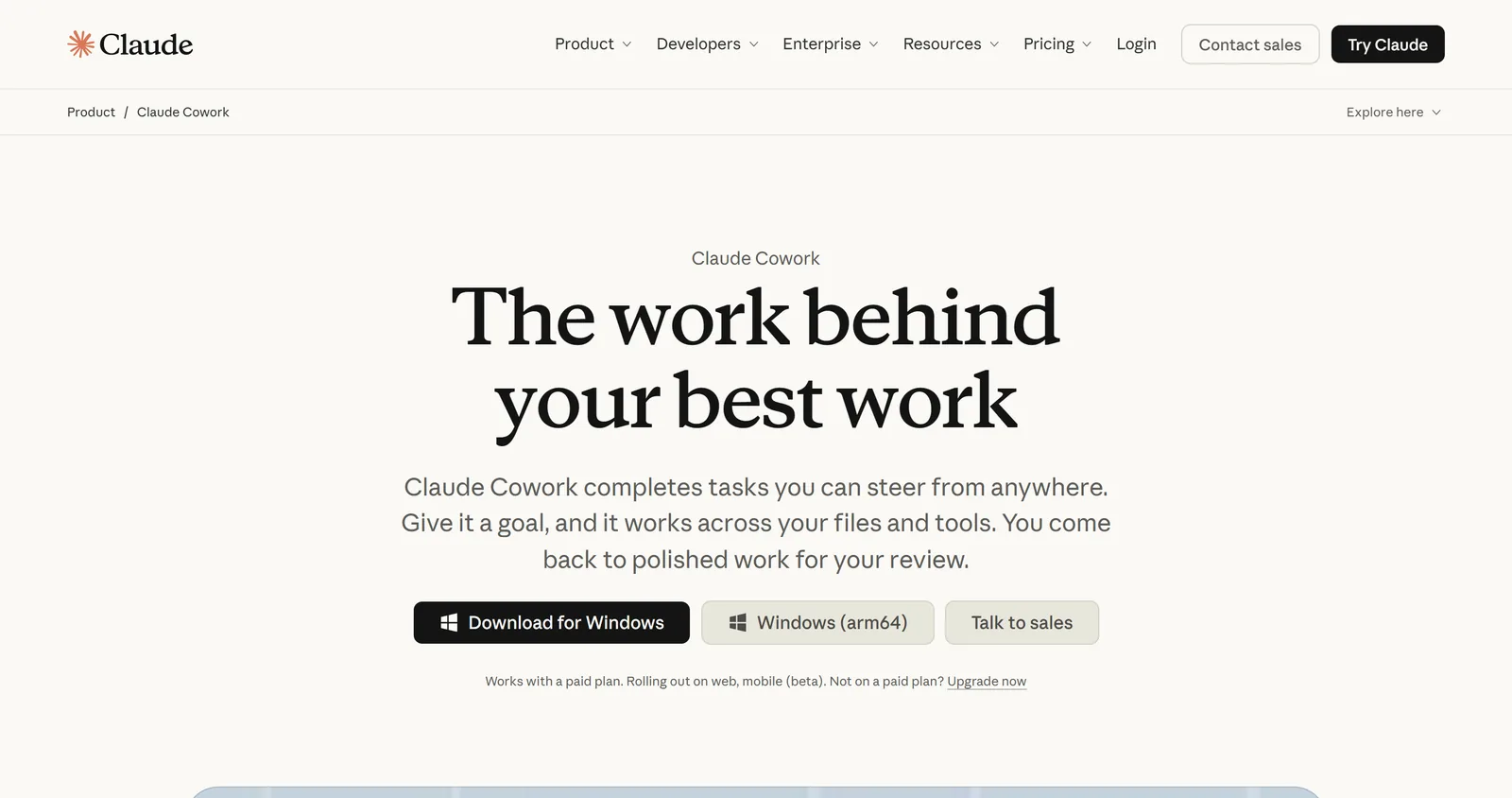
Cowork brings Claude Code's agent architecture to people who never open a terminal. You describe an outcome, Claude plans the steps, splits big jobs into parallel subtasks, and hands back finished files: a spreadsheet with working formulas, a slide deck, a research summary, a cleaned-up folder.
- 1
Describe the outcome
in plain English, from any device
- 2
Claude plans
and splits big jobs into parallel subtasks
- 3
Cloud environment
a fresh, isolated workspace per session
- 4
Your computer
connected folders and the browser, via the desktop app
- 5
Review
preview and download what it made
Three things set it apart:
- It runs in the cloud. Since October 6, 2026, new Pro and Max tasks run on Anthropic's servers on every surface, and there is no setting to run them only on your computer. Sessions keep going when you close the laptop.
- It follows you around. Start a task at your desk, answer its question from your phone, open the output on the web. Anthropic's July 2026 announcement says over 90% of Cowork usage is not software development, and business operations and content creation make up roughly half.
- It reaches your computer only through the desktop app. Local folders, the built-in browser and computer use all need the desktop app open, and only for folders you have connected.
It is also turning into plain Claude. The help center says chat and Cowork now share one home and Claude decides whether a request is a quick answer or a task. That change is rolling out gradually to Pro and Max, so your menus may not match screenshots you see online.
What Claude Code is
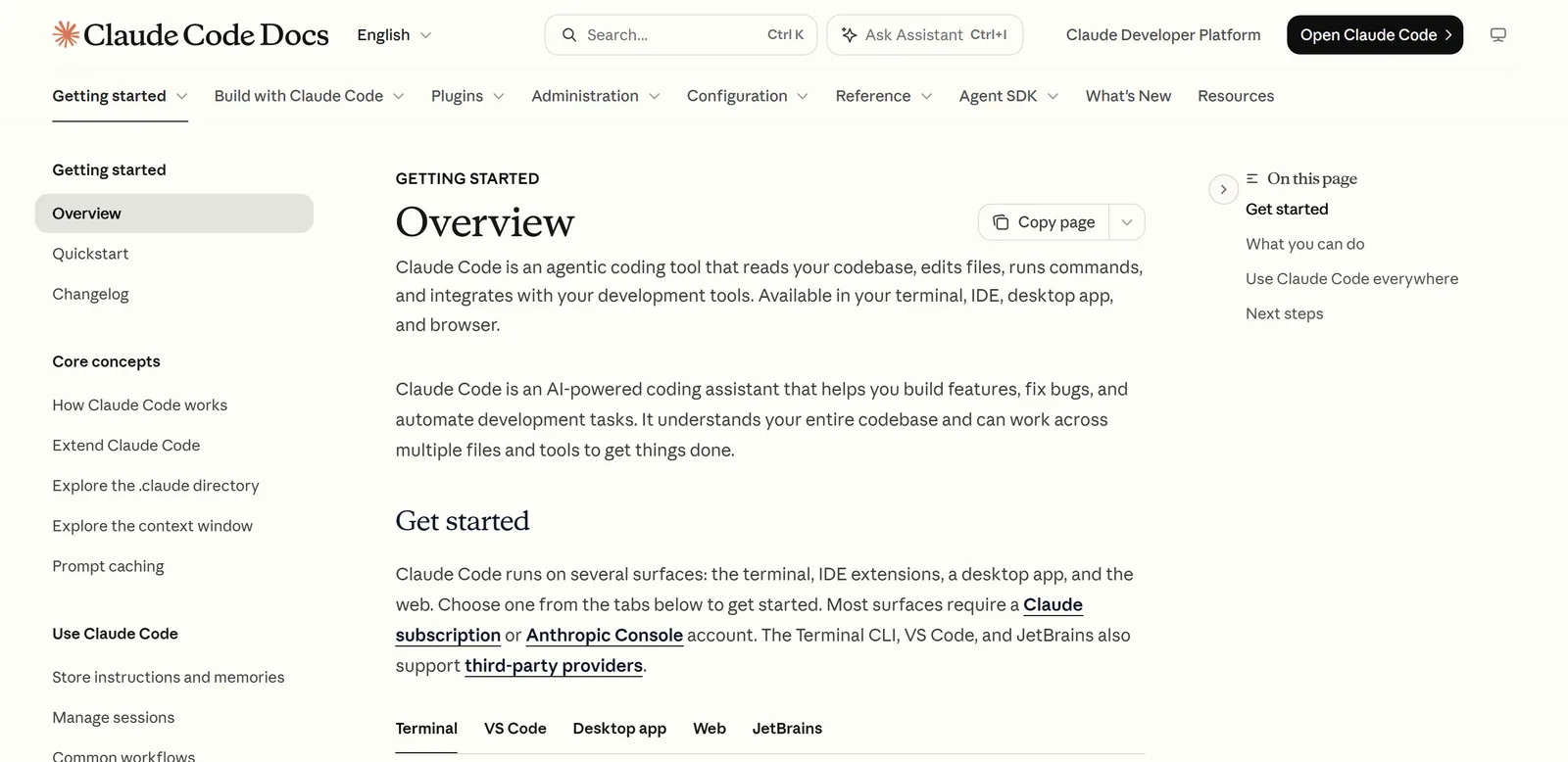
Claude Code is Anthropic's agent for working inside a folder. It reads what is there, edits files, runs commands and keeps going until the job is done. Developers use it on codebases. I mostly use it on folders of business files: offers, notes, lead lists and drafts.
What it adds over Cowork is control of the workspace:
- `CLAUDE.md` files hold standing notes about a project, read at the start of every session.
- Skills, hooks and subagents let you package a job once and run it the same way every time. For hooks, the Claude Code hooks tutorial on Stride AI Academy, my community for people building AI services, has three you can copy.
- The folder is the memory. Results save as files next to the inputs, so next week's run can read last week's output.
- It stays local by default. The work happens on your machine, in the folder you chose. Cloud sessions exist, but you pick them.
You do not need a terminal. The Claude desktop app has a Code tab: pick a folder, type what you want.
Where each one runs, and why it matters
This is the real difference for business work. Cowork's safety guide says local files it opens are processed on Anthropic's servers, and each session gets a temporary environment that is removed when the session ends. That is what lets work continue while your laptop sleeps.
Claude Code works where your files already live. For anything that must stay on one machine, Anthropic's own cross-device guide now points people to Claude Code in the desktop app, which keeps folders and history local. It even gives a way across: open a Cowork task, choose Download task data, open that folder in Claude Code and run /port-task-data.
Both products ask before risky steps. Cowork has Manual and Auto modes (plus a Skip mode Anthropic recommends only when you fully trust everything involved), and it always asks before permanently deleting files. Claude Code asks before it edits files unless you change that setting.
Skills, plugins and connectors in both
Skills are where people get caught out. Cowork loads the skills and plugins enabled under Customize on your claude.ai account. Its docs say it does not read the ~/.claude folder that Claude Code uses on your machine, so a skill you built for Claude Code has to be added in Customize before Cowork can use it.
Going the other way is easier. Claude Code can load your claude.ai account's skills, along with skills saved in a project or in your personal folder. If you are new to skills, start with these Claude Code skills examples.
Connectors (Slack, Google Drive, Microsoft 365 and others, built on MCP) and plugins work in both. A plugin you add to your account works in chat, Cowork and Claude Code.
Pricing and usage limits
Both need a paid plan. On Anthropic's pricing page Pro is $20 a month ($17 a month billed yearly) and Max starts at $100 a month. Team and Enterprise include both. The free plan does not include Claude Code.
The bigger cost is usage. Anthropic says Cowork "consumes limits faster than Chat", because one task coordinates subagents and many tool calls. Long Claude Code sessions use a lot too. Group related work into one task, and use plain chat for quick questions.
Which one I would use for business work
My default for a business is Claude Code in the desktop app. Recurring jobs (the daily plan, lead lists, proposals, content repurposing) need the same instructions, the same business files and a place to save every result. A folder with skills gives all three, and it is what my AI Operator Kit runs on.
Cowork earns its place for one-off handoffs, especially away from the desk:
- Pick Cowork for a research summary, a deck or a spreadsheet you want done while you are out, started from your phone.
- Pick Cowork when the inputs live in connected apps (email, drive, calendar) more than in folders.
- Pick Claude Code for anything you will run every week, anything that writes to your own files, and anything you build: pages, calculators, scripts.
- Pick Claude Code when the files must stay on your computer.
Plenty of people use both: Cowork for the errand, Claude Code for the system. If you are new to both, start with Claude Code vs regular Claude. Weighing Cowork against OpenAI's agent? Read Claude Cowork vs ChatGPT.
Claude Cowork vs Claude Code: FAQ
Can Claude Cowork use Claude Code?
Cowork is built on the same agent architecture as Claude Code and runs code and shell commands inside its own cloud environment. It does not open your Claude Code sessions, and it does not read the skills in your ~/.claude folder unless you add them to your account.
Can Claude Cowork use VS Code?
Cowork does not run inside VS Code. Claude Code does: it has extensions for VS Code, Cursor and JetBrains editors, as well as the terminal and the desktop app's Code tab.
Is Claude Cowork worth it?
Cowork comes with the paid Claude plans, so the question is usage, not a separate price. It is worth it when you hand off multi-step work you would otherwise do by hand. For quick questions, chat uses far less of your limit.
Is Claude Code better than Cowork?
Neither is better across the board. Claude Code is the stronger choice for repeatable workflows, local files and anything you build. Cowork is easier for one-off tasks, connected apps and work you start from your phone.
Do I need to know how to code to use Claude Code?
You do not. The desktop app's Code tab needs no terminal, and you describe tasks in plain English. My guide to Claude Code for business owners walks through the setup and the first three jobs.
Run your business from one folder
If you pick Claude Code, the AI Operator Kit gives you the folder: 18 Claude Code skills for content, leads, outreach, sales and building pages, the business files they read, and a course that sets it up with you.


