How to Build a Website with Claude Code
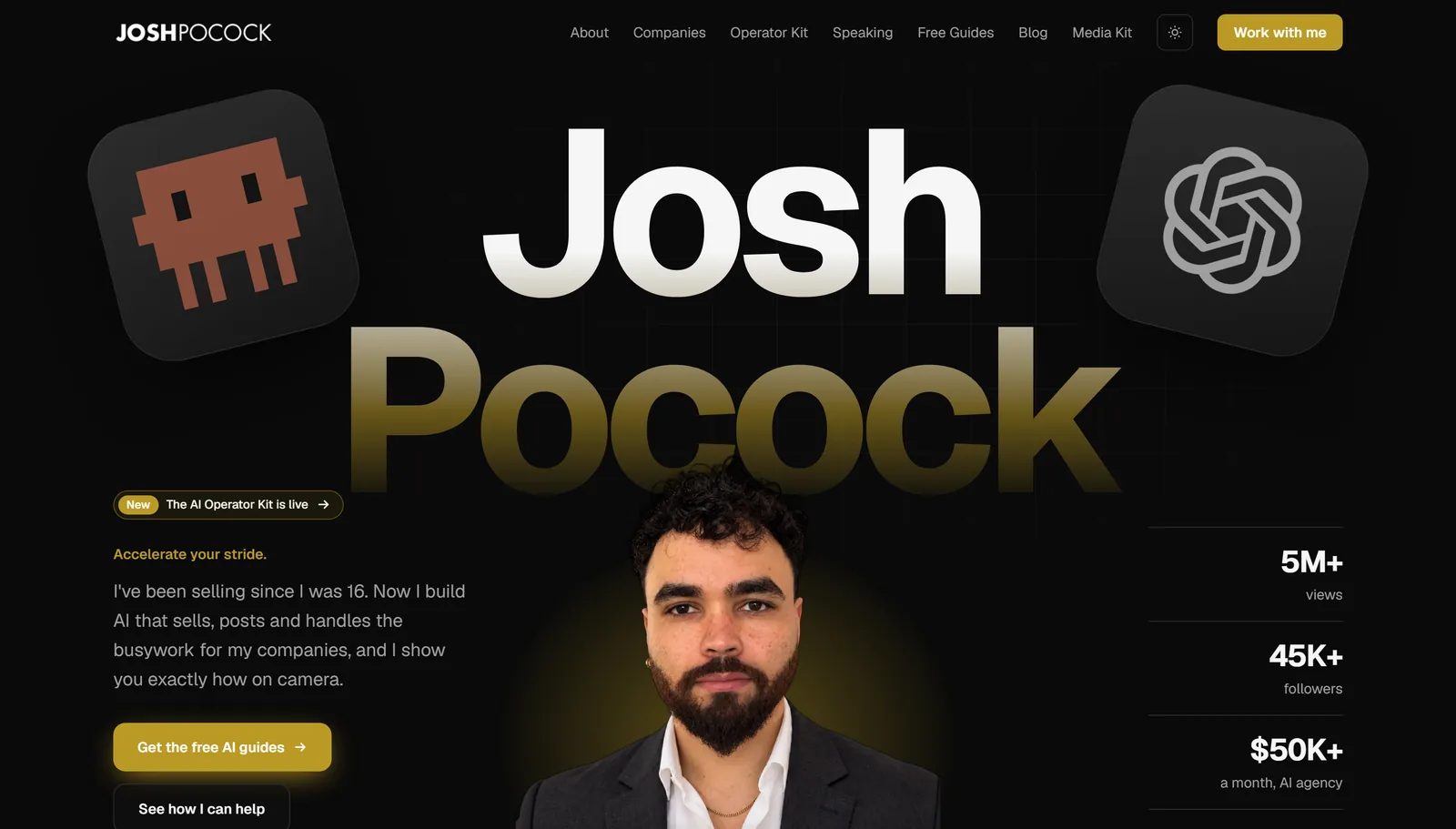
How to build a website with Claude Code comes down to five steps: pin down the brand, make the images, add motion if you want it, build, and deploy. This site, joshpocock.com, is built and edited in Claude Code, and the same workflow produced the animated site in my $10,000 website in 20 minutes video.
To build a website with Claude Code, put your brand files in a folder, describe the site in plain English, let Claude Code write the pages, check them at desktop and phone size, then push to GitHub and deploy free on a host such as Vercel.
Here is each step, what it costs and where people get stuck.
What you need before you start
- Claude Code with a paid Claude plan or API credits. The desktop app's Code tab works without a terminal. New to it? Start with my guide to Claude Code for business owners.
- Your brand: logo files, two or three colours as hex codes, the fonts you like and one sentence on the personality you want.
- A free GitHub account and a free hosting account for the deploy step.
- About an hour for a first simple site.
The five steps
- 1
Brand
logo, colours, fonts and tone in one folder
- 2
Images
your own photos or generated hero images
- 3
Motion
optional video or scroll animation
- 4
Build
Claude Code writes, checks and fixes the pages
- 5
Deploy
push to GitHub, publish on a free host
Step 1: Pin down the brand
Every site that looks good starts from a defined brand, not from "make it modern". Create a folder for the project and put your brand in it: logo files, colours, fonts and a few lines on tone. If you have an existing site or one you admire, a scraping tool like Firecrawl can pull its colours and type into a file for you, but your own hex codes always win.
Write it down once in a brand.json or a short markdown file. Claude Code reads it before every page.
Step 2: Make the images
Use real photos when you have them: your face, your team, your work. For hero images and backgrounds, an image model such as Nano Banana or Gemini's image model can generate scenes in your brand colours. Ask Claude Code to write the image prompts from your brand file so every image matches.
One rule from my own builds: no AI-generated people presented as your team or your customers. Use generated images for scenes and textures, and real photos for people.
Step 3: Add motion, if you want it
Optional, and the step that makes a site look expensive. Video models such as Kling can turn a hero image into a short clip, which can play as a background or scrub as the visitor scrolls, the effect you see on product launch pages. Skip this for a first site. A fast, clear static page beats a slow animated one.
Step 4: Build with Claude Code
Open the folder in Claude Code and describe the site:
Read brand.json and the files in assets/. Build a one-page website for
[business] with these sections: hero with one headline and one button,
three services, proof, about, contact. Next.js and Tailwind. Mobile
first. Use only my colours and fonts. When it builds, open it in a
browser at desktop and phone width and fix anything that breaks.
Skills make a big difference here. A design skill gives Claude rules against the generic AI look, and a browser skill lets it screenshot its own work and fix spacing and tap targets before you see them. I packaged my whole process into a website builder skill that runs the five steps as one command, which I show in the video.
Then review it like a client would. Open it on your phone. Read every word. Ask for changes in plain English: "the hero headline is too long, make it under eight words".
Step 5: Deploy it
Ask Claude Code to put the project on GitHub, then import that repository into a free host such as Vercel, Netlify or Cloudflare. Every change you push after that updates the live site on its own. Connect your domain in the host's settings and you are live.
 Claude
 GitHub
 Vercel
Mistakes to avoid
- Starting without a brand. "Make it modern" produces the same site everyone else has. Give it real colours, fonts and tone.
- AI-generated people. Use real photos for your team and customers; use generated images only for scenes and textures.
- Skipping the phone check. Most visitors are on mobile. Check every page at phone width before you publish.
- Animation before clarity. A slow, flashy page loses to a fast, clear one. Add motion last, if at all.
- Deploying without SEO basics. Titles, descriptions, a sitemap and structured data take minutes and matter for years.
Keeping the site up to date
The real advantage of building with Claude Code shows up after launch. A new testimonial, a price change, a new service page or a fixed typo is a one-line request instead of a ticket to a developer. Keep the project folder on your computer, describe the change, check it in the browser, and push it. The site updates itself within a minute or two. Sites that are easy to change get changed, which is why they stay accurate and keep earning their place in search.
What it costs
| Item | Cost |
|---|---|
| Claude Code | A paid Claude plan or API credits |
| Hosting | Free tiers cover most small sites |
| Domain | A yearly registration fee |
| Generated images and video | Pay per use; my demo build used about $6 in credits |
Prices change, so check each provider before you start.
Building a landing page instead of a full site
A landing page is the same workflow with a narrower brief: one offer, one audience, one action. Give Claude Code the offer, the three objections buyers raise and the action you want, and ask for a single page with the button near the top and again at the bottom. If you can, build it with a short form or a quote calculator rather than a plain "contact us".
SEO before you launch
Ask Claude Code for the basics before the site goes live: a unique title and description per page, one H1, image alt text, a sitemap, a robots.txt, and structured data for your business. Then check the result yourself. I cover the full process in Claude Code for SEO.
How to build a website with Claude Code: FAQ
Can Claude Code be used to build a website?
Claude Code builds complete websites from plain-English instructions: it writes the pages, styles them, fixes errors and can check its own work in a browser. You review and approve each change.
How much does it cost to make a website with Claude Code?
A website built with Claude Code costs a paid Claude plan or API credits, a domain, and any image or video generation you use. Hosting is free for most small sites.
How do I host a website built with Claude Code?
Push the project to GitHub, then import the repository into a host such as Vercel, Netlify or Cloudflare. Claude Code can create the repository and push the code for you when you ask.
Do I need to know how to code?
You do not need to code. You describe the site and the changes you want; Claude Code writes the code. Knowing how to read a page critically matters more than knowing a programming language.
Can I use Claude Code on the web?
Claude Code runs in the Claude desktop app and in the terminal, and Anthropic also offers cloud sessions. For building and previewing a website, working on your own computer is the simplest way to see changes as you make them.
Build with a setup that knows your business
The AI Operator Kit includes a /build command for pages, calculators and simple funnels, plus a playbook for a website in an afternoon, all reading your business facts first.


